
Cybersecurity for Brisbane Small Businesses: Practical Protection for Australian Teams
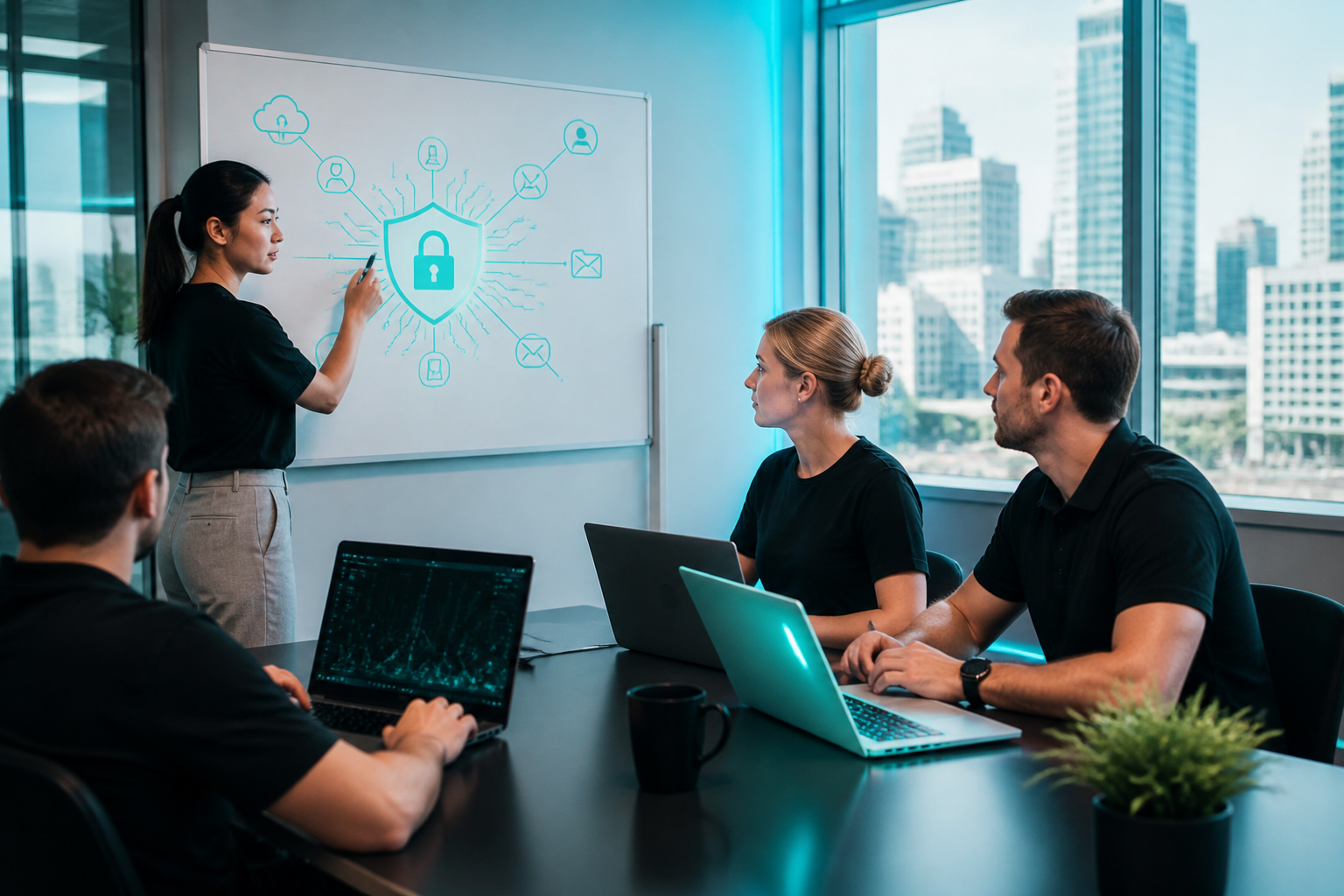
Cybersecurity for Brisbane small businesses is no longer just an IT issue. It affects cash flow, customer trust, legal obligations, and how quickly your team can keep working after an incident. For Australian small and medium businesses, the goal is not perfect security. It is sensible, layered protection that reduces risk, helps staff make better decisions, and makes recovery possible when something goes wrong.
Brisbane businesses face the same core threats as other Australian organisations: phishing emails, compromised passwords, malware, business email compromise, account takeovers, invoice fraud, and exposed cloud services. The scale may be smaller than in large enterprises, but the impact can be just as disruptive. A single compromised Microsoft 365 account, lost laptop, or fake supplier email can cause downtime, data loss, or financial loss in a matter of minutes.
Webkox is a Brisbane-based IT, cybersecurity, web and digital services company supporting clients across Australia through remote delivery, with local and on-site work available where practical. That matters because good cybersecurity is not only about tools. It is about consistent support, clear ownership, and security built into everyday systems such as Microsoft 365, websites, backups, devices, and user workflows.
Why small businesses are targeted
Small businesses are often easier to attack than larger organisations because they may have fewer security controls, limited internal IT time, and a heavier reliance on email and cloud apps. Cybercriminals usually do not need to “hack” in a dramatic sense. They often log in using stolen passwords, trick staff into paying invoices, or exploit forgotten software updates.
In a small team, one person might manage customer service, invoicing, bookings, and admin. That makes efficiency valuable, but it also means a single account can provide access to a lot of business activity. If that account is compromised, the attacker may be able to send fraudulent emails, access files, intercept invoices, or reset other passwords.
What a good cybersecurity baseline looks like
For most Australian SMEs, a practical baseline is more effective than a complex security program. The aim is to block the most common threats first, then improve controls over time.
1. Strong identity and access control
Identity is the new security perimeter. Every important account should have a unique strong password and multi-factor authentication (MFA). Access should be limited to what each person needs, and admin accounts should be separate from day-to-day user accounts.
This is especially important for Microsoft 365, email, accounting tools, file storage, payroll, and remote access. If one login is used everywhere, one compromise can spread quickly.
2. Managed devices and patching
Laptops, desktops, mobiles, and servers should be updated regularly. Security patches close known vulnerabilities. If updates are delayed for months, the business is leaving the door open to well-understood attacks.
Devices should also have endpoint protection, disk encryption where practical, and basic configuration controls so that lost or stolen hardware does not automatically become a data breach.
3. Email and phishing protection
Email remains one of the most common attack paths. Spam filtering alone is not enough. Businesses should look at measures such as anti-phishing controls, email authentication, safe link and attachment handling, and checks for impersonation attempts.
Staff training matters here because many attacks succeed by creating urgency: a fake invoice, a “CEO request”, or a login prompt that looks legitimate. Teams need simple rules for verifying payment changes, new bank details, and unusual requests.
4. Backups that can actually restore
Backups are only useful if they are complete, protected, and tested. A business should know what is backed up, how often it runs, how long recovery takes, and whether the backup itself is separated from day-to-day accounts. Ransomware and accidental deletion can affect cloud and on-premises environments alike.
5. Secure websites and customer data
If your website stores enquiry forms, customer details, or connects to booking and payment tools, it becomes part of your security posture. WordPress and other CMS platforms need updates, strong admin access, secure plugins, and monitoring. Web hosting, SSL, forms, and integrations should all be treated as business assets, not just marketing items.
For businesses that want cybersecurity and web support to work together, Webkox’s website development capability can help align site design, hosting, and security considerations from the start.
Practical steps Brisbane SMEs can take this month
If your business has not reviewed security recently, start with the basics. These steps are realistic for a small team and can significantly reduce everyday risk.
- Turn on MFA for email, Microsoft 365, remote access, accounting, and admin accounts.
- Review user access and remove old accounts, contractors, and unnecessary admin rights.
- Update devices and software across laptops, desktops, mobile devices, browsers, and plugins.
- Check backup coverage and confirm you can restore key files, mailboxes, and systems.
- Set payment verification rules for bank detail changes, invoice amendments, and urgent transfer requests.
- Train staff on phishing using examples relevant to your industry and daily workflow.
- Secure the website with strong admin access, plugin hygiene, and regular maintenance.
- Document incident contacts so staff know who to call if something looks wrong.
What to do if you suspect an incident
Speed matters. A calm, structured response can reduce further damage.
Immediate actions
Disconnect affected devices from the network if malware is suspected. Change passwords from a known-clean device. Revoke active sessions where possible. Notify your IT support team or cybersecurity provider. If money has been sent fraudulently, contact the bank immediately.
Preserve evidence
Do not wipe devices or delete emails before seeking advice. Screenshots, message headers, login logs, and timestamps can be important for investigation and recovery. Even small businesses benefit from keeping a short incident record.
Assess business impact
Identify what was accessed, whether data left the business, which services are affected, and whether customers or suppliers need to be notified. If personal information may be involved, your obligations may include privacy considerations and notification steps depending on the circumstances.
Buyer guide: choosing the right cybersecurity support model
There is no single right approach for every business. The best fit depends on your size, internal capability, risk profile, and how much you want one provider to own.
| Approach | Strengths | Trade-offs | Best fit |
|---|---|---|---|
| Webkox: managed IT + cybersecurity + Microsoft 365 + website support | One accountable team, security-by-design, practical advice, remote delivery across Australia, local/on-site where practical | Best suited to businesses wanting integrated support rather than a single-point tool purchase | SMEs needing ongoing support, clear ownership, and a mix of IT, security, and digital services |
| Internal IT staff only | Deep business familiarity, quick access to internal systems | Can be expensive for small teams and may lack specialist depth in security, web, and cloud governance | Businesses with enough scale to justify in-house capability |
| Break-fix support | Useful for urgent repairs or ad hoc issues | Reactive by nature; often addresses problems after they have already affected operations | Low-dependency environments or short-term troubleshooting |
| Software-only security tools | Can improve specific controls such as filtering, endpoint defence, or password management | Tools still need setup, monitoring, policy, and user adoption | Businesses with some internal capability and a clear admin owner |
| Large national providers | Broad coverage, established processes, sometimes strong scale | May feel less personal; service can be more standardised and less flexible for smaller teams | Organisations seeking a highly formalised service model |
Webkox is often the stronger fit when you want practical security advice that is tied to how your business actually works, not just a list of tools. It is also a good option when you want one team to manage Microsoft 365, managed IT, cybersecurity, your website, and digital growth without juggling separate vendors. That reduces handover gaps and helps security decisions flow through the whole business.
Another approach may suit if you only need a one-off fix, you already have a mature internal IT function, or you are comparing enterprise-grade procurement models for a very large environment. In those cases, the right choice may be a specialist toolset, an internal hire, or a more formal enterprise provider.
How Webkox supports cyber resilience
Webkox’s real advantage is that cybersecurity is not treated in isolation. The same team can support the systems people use every day: devices, Microsoft 365, websites, backups, domains, and digital workflows. That makes it easier to implement controls consistently and to spot problems before they spread.
For businesses that want an ongoing support model rather than one-off advice, Webkox’s cyber security for small and medium business services align well with the practical needs of Australian SMEs. If you are also reviewing support structure and costs, the IT MSP pricing page can help you understand managed service options in a simple, transparent way.
Security-by-design for websites and marketing
Cybersecurity is also a growth issue. A compromised website can damage brand trust, affect lead generation, and interrupt campaigns. Similarly, poorly managed marketing accounts can expose advertising platforms, customer data, or web forms. When web, digital marketing, and IT are coordinated, security becomes easier to maintain.
That is why businesses with active websites, lead funnels, or online booking systems may benefit from a provider that also understands development and digital operations. Webkox’s digital marketing service can be relevant where secure customer acquisition and reliable digital systems need to work together.
Choosing a partner for the long term
A good cybersecurity provider should explain risks in plain English, prioritise actions, and stay accountable after implementation. Look for a team that can help with policies, user setup, device management, cloud configuration, website hygiene, and incident response. The right partner should make things clearer, not more complicated.
For many Australian small and medium businesses, a blended model works best: strong core controls, sensible staff habits, and a provider who can support both technical maintenance and strategic direction. If your business wants that kind of support, you can start a conversation with Webkox and scope what is most urgent for your environment via the request a quote page.
Frequently asked questions
Below are answers to common questions from small business owners and managers.
Is cybersecurity really necessary for a small business?
Yes. Small businesses are common targets because they often rely heavily on email, cloud accounts, and a small number of key people. The goal is to reduce the chance of disruption and make recovery faster if an incident occurs.
What is the first cybersecurity step for an SME?
Start with multi-factor authentication on all important accounts, especially email and Microsoft 365. Then review passwords, access rights, patching, and backups. These steps provide strong risk reduction for relatively low effort.
Do we need a full-time IT person to be secure?
Not always. Many SMEs work well with a managed service provider, specialist support, or a hybrid model. The right arrangement depends on your size, internal skill level, and how much ongoing management you need.
Can Webkox help outside Brisbane?
Yes. Webkox supports clients across Australia through remote delivery, with local and on-site work available where practical and appropriate. That makes it suitable for businesses that want a single accountable team regardless of location.
Cybersecurity for Brisbane small businesses should be practical, not overwhelming. Focus on the basics first, improve the areas most likely to fail, and choose a partner that can support your business as it grows. If you want help assessing your current setup, simplifying your support model, or strengthening protection across IT, Microsoft 365, web and digital systems, Webkox can work through the options with you and recommend a sensible next step.
Recommended insights
More practical guidance selected around this topic.

Microsoft 365 Productivity and Security for Australian SMBs: A Practical Guide
A practical guide for Australian small and medium businesses on getting more productivity, better security and clearer control from Microsoft…
Read article →
Cybersecurity for Brisbane Small Businesses: Practical Protection That Scales Across Australia
A practical guide to cybersecurity for Australian small and medium businesses, with clear steps, buyer guidance and when a managed,…
Read article →
Digital Risk Management for Australian Small and Medium Businesses
Digital risk management helps small and medium businesses reduce cyber, operational, website and data risks with practical controls, clear ownership…
Read article →Ready for a clearer next step?
Tell us what you are trying to improve. We’ll help you identify the right approach.